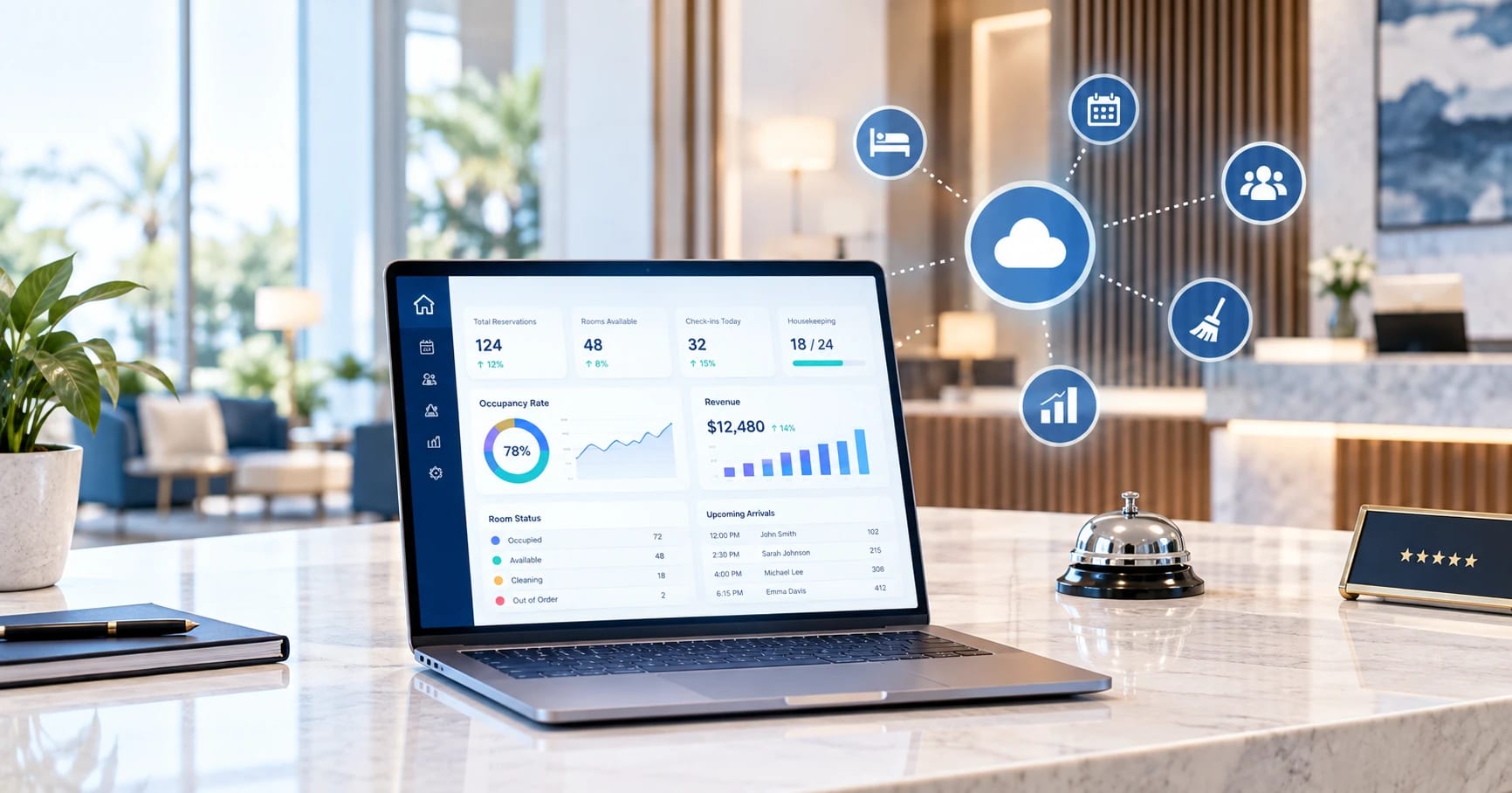
Hotels often choose management software by comparing long feature lists. Several platforms may look almost identical until staff discover that routine tasks take too many steps, housekeeping still depends on calls, restaurant charges do not reach the guest folio correctly, or a critical integration costs extra.
A better approach is to choose for operational fit first.
The right hotel management software should connect reservations, front desk, housekeeping, rates, payments, reporting, distribution, and increasingly the technology inside the guest room. Instead of asking which platform has the most features, ask which one best supports the way your property actually works.
What hotel management software actually does
At the center of most hotel technology stacks is the property management system, or PMS. It is the operational system of record for reservations, guest profiles, room status, folios, check-ins, checkouts, and other daily hotel activity.
“Hotel management software” is a broader term. Some vendors use it interchangeably with PMS, while others use it for a suite combining the PMS with distribution, payments, revenue tools, guest communication, and other modules.
Core modules to expect
A capable PMS should cover reservations and front desk operations, room assignment and availability, housekeeping status, rates, guest profiles, folios and billing, and reporting.
The goal is not simply to digitize each task. Information should follow the guest. A booking becomes an arrival, the room status changes, additional charges reach the correct folio, and checkout closes the stay without staff repeatedly entering the same information.
Common add-ons
Depending on the property, the PMS may connect with or include a channel manager, booking engine, revenue management system, POS, payment gateway, guest messaging, self-check-in, loyalty program, or upselling tools.
These should be treated as parts of a connected hotel technology ecosystem rather than features every hotel needs from a single vendor.
Start with your operation, not the feature list
Before comparing vendors, document how your hotel actually works.
Match the system to your property type and size
A 20-room boutique hotel does not need the same workflows as a 500-room resort. A B&B may prioritize reservations, payments, housekeeping, and direct bookings. A resort may need multiple outlets, activity charges, complex inventory, groups, and extensive integrations.
Multi-property operators have another set of requirements, including centralized reporting, permissions, shared guest information, and administration across several locations.
The right system fits the complexity of the operation without creating unnecessary complexity for staff.
Map your real workflows
Follow a stay from booking through pre-arrival communication, arrival, room assignment, in-stay requests and charges, housekeeping, checkout, payment, and post-stay communication.
Then identify where employees leave the system. Are they copying information into spreadsheets? Calling housekeeping to check whether a room is ready? Re-entering OTA bookings? Manually posting restaurant charges?
Every workaround is a workflow the new platform should improve.
Identify where money leaks today
Pay particular attention to POS-to-folio posting, discounts and reversals, cash controls, failed payments, manual rate changes, and day-close reporting.
Reliable financial controls often matter much more than impressive dashboards or rarely used features.
The features and capabilities that actually move the needle
Automation and guest communication
Look for automated booking confirmations, pre-arrival messages, check-in instructions, in-stay notifications, upsell offers, and post-stay review requests.
Good automation should reduce repetitive work without removing staff from situations where personal assistance is valuable.
Channel sync and distribution
If you sell rooms through Booking.com, Expedia, your own website, and other channels, rates and availability need to stay synchronized.
Two-way PMS and channel-manager integrations can transfer reservations into the PMS and update inventory across connected channels, reducing manual entry and the risk of discrepancies or overbooking.
Housekeeping and operations coordination
Front desk and housekeeping should work from the same live room status. When a room is cleaned, inspected, placed out of order, or marked DND, the appropriate teams should see the change immediately.
Mobile access is particularly useful for housekeeping and maintenance employees who spend most of their time moving around the property.
Reporting and owner visibility
The system should make occupancy, ADR, RevPAR, revenue, collections, and channel performance understandable without hours of spreadsheet work.
These insights can also strengthen your broader hotel digital marketing strategy by showing which booking sources and campaigns ultimately generate valuable reservations.
Mobile access
Hotel managers increasingly need to check occupancy, payments, approvals, or operational issues away from reception. Make sure mobile access allows meaningful actions instead of simply displaying a reduced version of the desktop dashboard.
Integrations: the software is only as good as what it connects to
A PMS rarely operates alone.
Review integrations with major OTAs, payment providers such as Stripe or alternatives used in your market, accounting platforms such as QuickBooks or Xero, POS systems, booking engines, revenue tools, guest messaging platforms, door locks, kiosks, and self-check-in solutions.
An open API is particularly important because your technology stack will change. You might add a new payment platform, guest app, analytics system, or smart-room solution several years after implementing your PMS. Open architecture gives the hotel more flexibility to extend the system without replacing it. Major PMS providers now position open APIs and integration capabilities as important parts of their cloud platforms.
Do not stop when a vendor says, “Yes, we integrate with that.” Ask whether the integration is live today, whether it works both ways, exactly which data synchronizes, who supports the connection, whether there are extra fees, and whether it is verified or merely on the roadmap.
One of the most overlooked integration surfaces is not at reception at all. It is inside the guest room.
Don’t overlook the in-room layer: room control hubs
Modern hotel software increasingly needs to communicate with the guest room as well as the back office.
A room control hub is a central guest-facing interface—often the hospitality TV, a touch panel, or the guest’s own phone—that can bring entertainment, hotel information, service requests, and room settings into one experience.
Behind that interface may sit a Guest Room Management System, or GRMS. A GRMS can automate functions such as lighting, HVAC, curtains, occupancy sensing, DND and make-up-room status, access systems, and predefined room scenes.
Modern GRMS platforms can also communicate with third-party technologies including the PMS, TVs, smartphones, and building-management systems.
The value is in the integration.
When the PMS and GRMS communicate, check-in and checkout events can trigger changes automatically. An occupied room might activate a welcome scene or adjust the temperature, while checkout can return the room to an energy-saving state. Connected systems can even use stored guest preferences to restore preferred room settings during a future stay.
The TV as the room control hub
The in-room TV is also evolving beyond traditional entertainment.
Modern hospitality TV platforms can support streaming, casting, hotel information, promotions, service ordering, and other guest interactions. Secure systems can clear guest streaming credentials after checkout, while centralized platforms allow hotel teams to manage screens across many rooms.
This makes the television a logical interface for a connected guest experience. Platforms such as HotelSmarters can combine hospitality IPTV, guest services, hotel information, and smart-room functionality within the same environment rather than treating the TV as an isolated entertainment device.
When assessing this layer, check whether the hotel management system exposes an API or standard protocol that the room platform can use. It should ideally support real-time check-in and checkout triggers, DND or make-up-room synchronization, occupancy-based energy automation, and centralized cloud or browser management across rooms.
These capabilities may not be essential for every property today, but choosing a PMS that can support them protects your technology investment as guest-room experiences become more connected.
Cloud vs. on-premise
Cloud PMS platforms provide remote access, easier software updates, and less local infrastructure. They can also make expansion across several properties easier.
On-premise systems provide greater local control but usually require more responsibility for servers, maintenance, upgrades, backups, and IT support.
The decision should depend on internet reliability, security requirements, internal IT resources, scalability, and the number of properties you manage.
For many independent and smaller hotels, cloud software offers the simpler route. Properties with specific infrastructure or local-control requirements may have reasons to keep some systems on-premise.
Pricing, contracts, and total cost of ownership
Never compare hotel management platforms using the monthly subscription alone.
Ask about implementation, onboarding, data migration, training, payment processing, per-room or per-user pricing, premium modules, support tiers, integrations, API access, hardware, and commissions.
A system with a low advertised price can quickly become expensive once essential modules are added.
You should also understand what happens as the hotel grows. Ideally, you can add rooms, properties, users, and modules without migrating to another platform. Confirm how your data is handled when moving between pricing tiers or leaving the provider entirely.
Support, onboarding, and ease of use
Hotels operate around the clock, so support matters.
Ask what “24/7 support” actually means. Is a real support representative available, or can you only submit a ticket? What are the response targets? How are urgent issues escalated? Does premium support cost extra?
Ease of use matters just as much.
During a trial, let front-desk and housekeeping staff perform their normal tasks themselves. Powerful software provides little value when employees avoid using it because common workflows are confusing.
Onboarding should also include configuration, data migration, integration setup, training, testing, and a clear go-live process.
How to run the evaluation
Start by mapping your workflows and shortlist three or four systems that appear to match them.
Then test each platform against the same real scenarios instead of relying entirely on vendor-controlled demonstrations.
Whenever possible, request a full-access trial and use realistic test data. Around 14 days is a practical baseline for identifying workflow issues. A three-day trial or guided demo may show how attractive the software looks, but not how well it handles daily operations.
Evaluate each option against operational fit, integration depth, in-room connectivity, pricing transparency, support, reporting, scalability, and ease of adoption.
Most importantly, involve the people who will actually use it. Front desk, housekeeping, finance, operations, and management will notice different strengths and weaknesses.
The final question should be straightforward: Can this system become the reliable operational backbone of the hotel without forcing the hotel to reorganize itself around the software?
Frequently Asked Questions
What is the difference between a PMS and hotel management software?
A PMS manages core property operations such as reservations, rooms, guests, folios, check-in, and checkout. Hotel management software is a broader term and may include a PMS together with distribution, payments, revenue management, guest communication, and other tools.
What is the difference between a PMS and a GRMS or room control hub?
A PMS manages hotel operations and guest-stay data. A GRMS manages in-room functions such as lighting, temperature, occupancy, curtains, and DND status. A room control hub is the guest-facing interface used to access those controls and services.
How much does hotel management software cost?
Pricing depends on room count, property size, modules, users, integrations, payment processing, and support. Compare total cost of ownership rather than only the advertised monthly price.
Cloud or on-premise: which is better for a small hotel?
Cloud software is often simpler for smaller hotels because it reduces local infrastructure requirements while providing remote access and easier updates. Internet reliability, security requirements, and existing infrastructure should still influence the decision.
Can hotel management software integrate with the in-room TV and room controls?
Yes. When the PMS and room technology support compatible APIs, middleware, or standard protocols, in-room systems can respond to check-in, checkout, room status, guest preferences, and service requests.
How long does it take to implement a new hotel PMS?
Implementation may take days for a simple independent property or weeks to months for larger and multi-property operations. Data migration, integrations, payment setup, hardware, employee training, and testing usually have the biggest impact on the timeline.